


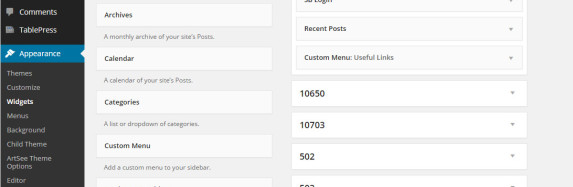
How to Add or Update Publisher Notes
1. Login with your user ID*
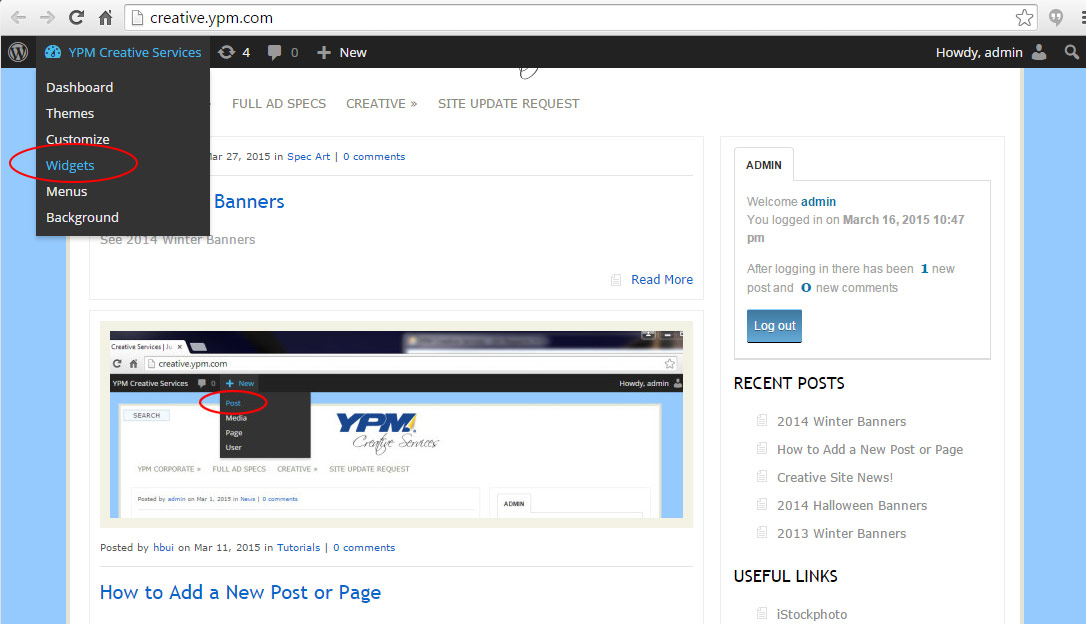
2. On the top left of your browser rollover “YPM Creative Services” dropdown menu and select “Widgets”
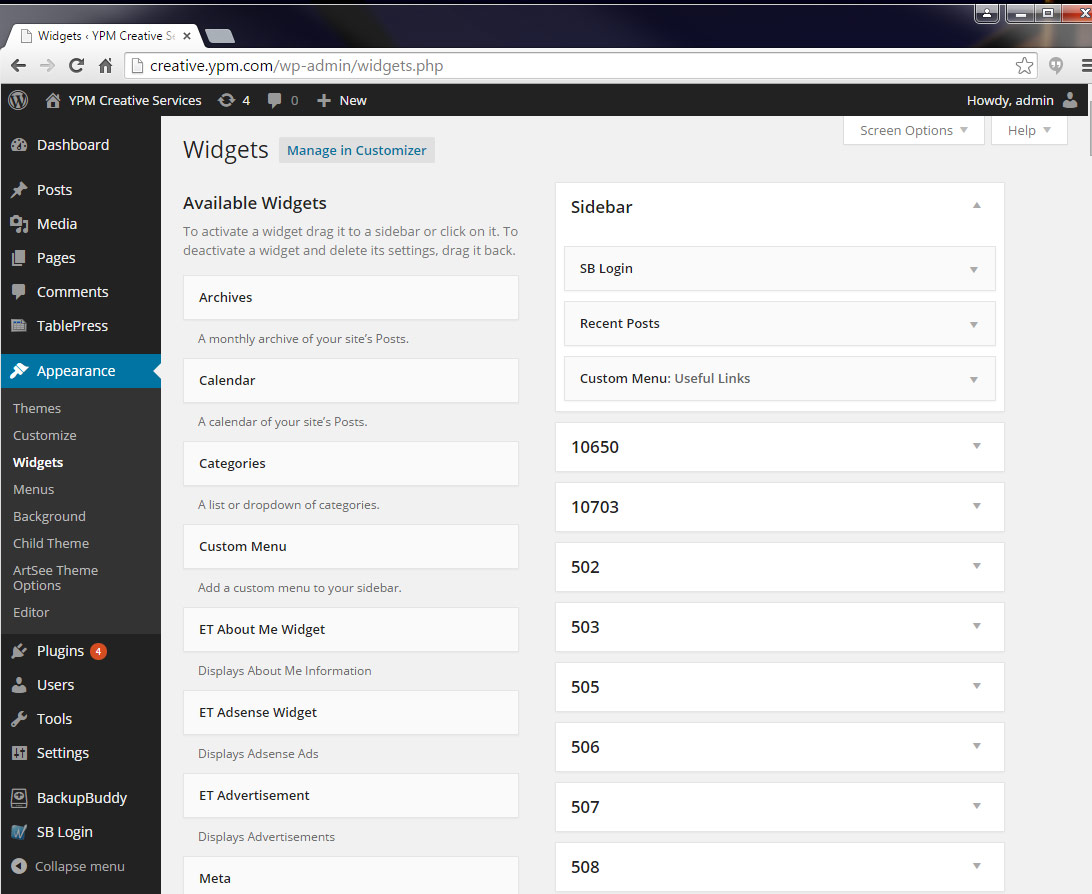
3. In the Widgets Area, scroll down and find the pubco you’re trying to update.
4. Click on the dropdown button, add notes or make updates necessary**.
5. Save.
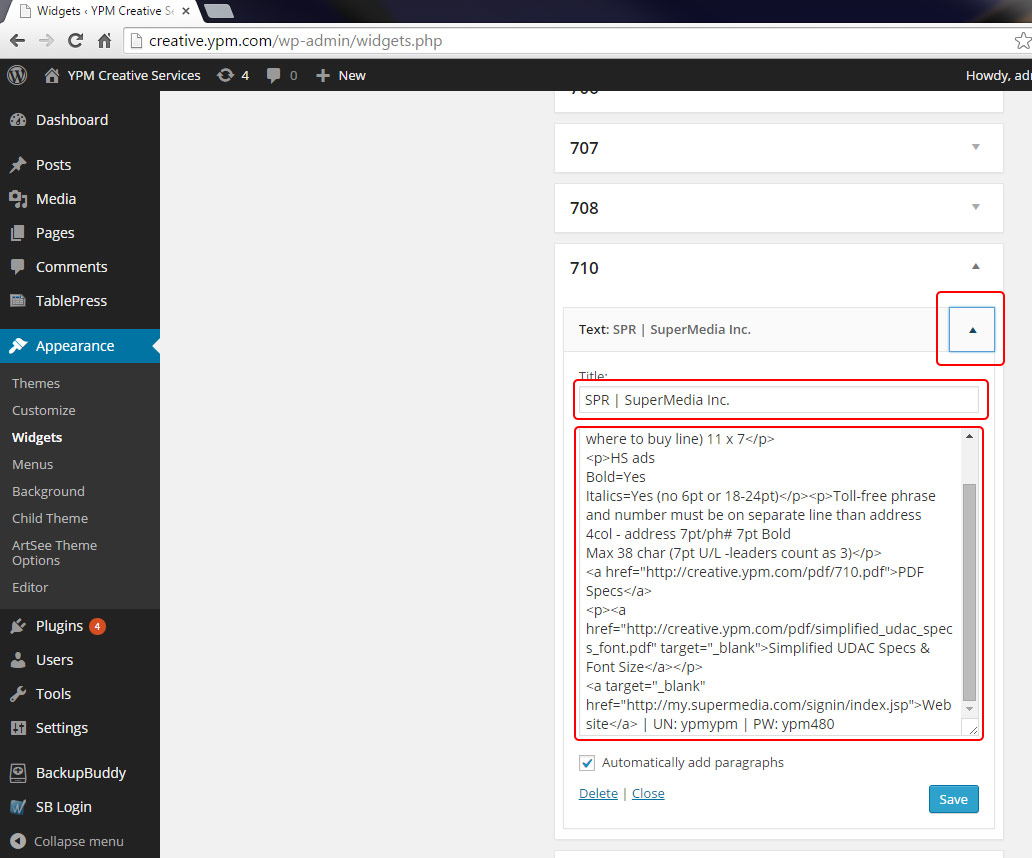
8You need admin access in order to change/add publisher notes. **Notes are written in HTML.
One Response to “How to Add or Update Publisher Notes”
Leave a Reply
You must be logged in to post a comment.
Hi Henry – Can you please add this link for all YLO pubs – PPS LIST_cmrs_final.xlsx. I put it in the Creative Services / reference folder. Maybe name the link “Directory Sizes for Reference” Thanks!