


How to Add a New Post or Page
1. Login with your user ID
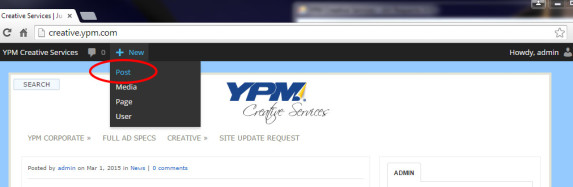
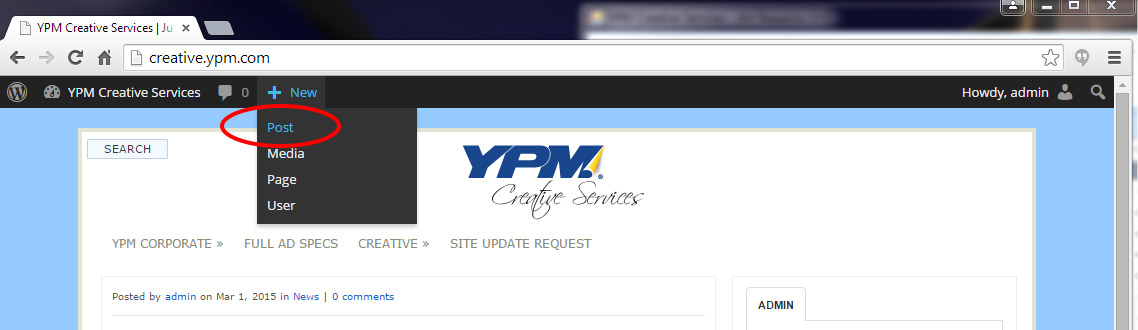
2. On the top left of your browser rollover “+New and select post”.
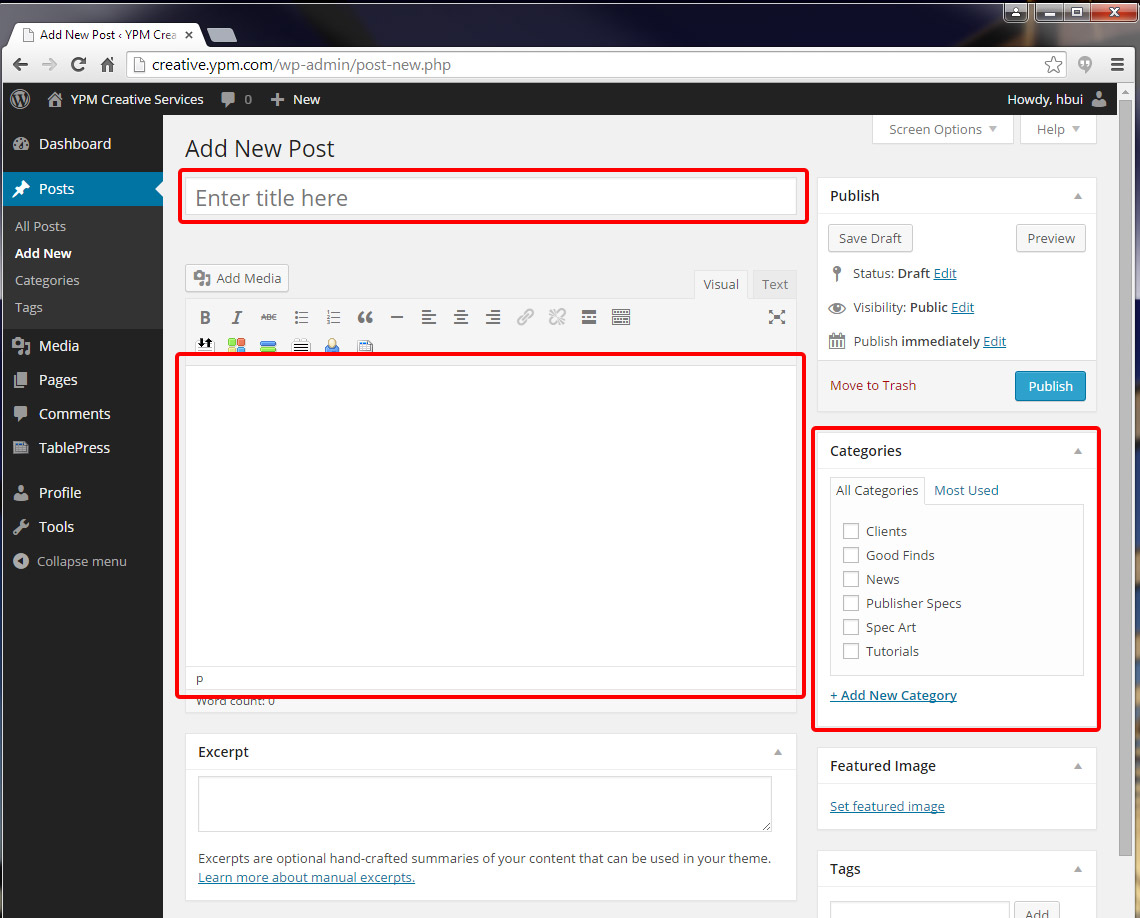
3. Enter the title of your post, select a category, and write your content.
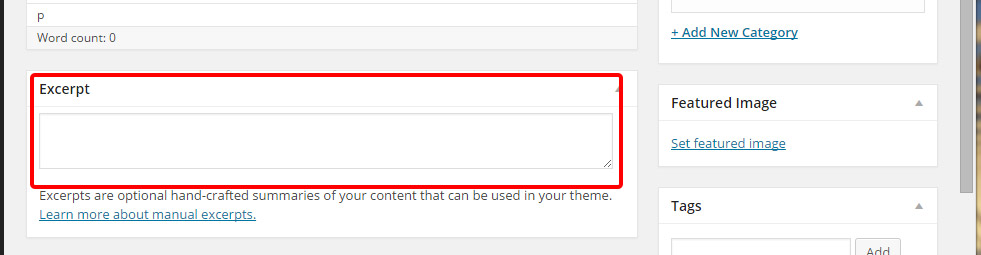
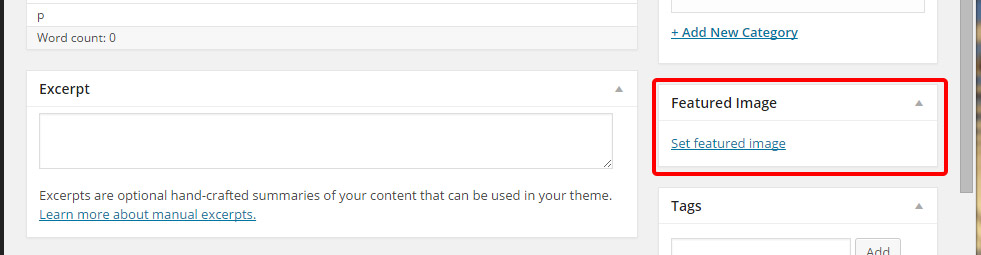
4. Write an excerpt (summary of your post).
5. Optional – Add a featured image.
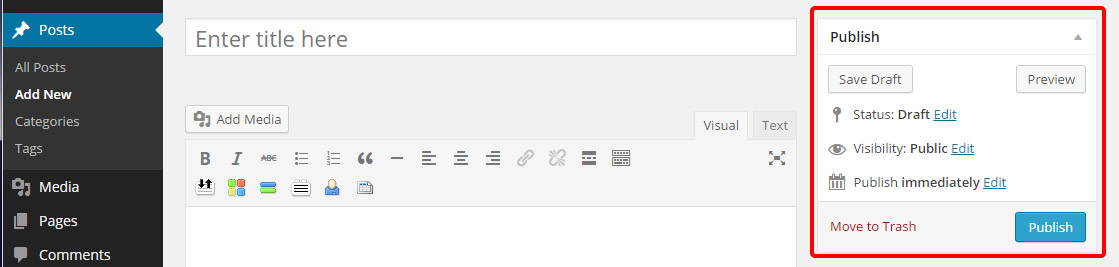
6. Publish the post. Change the status to review if you need it to be proofed.
Follow the steps above to add a new page sans category
Leave a Reply
You must be logged in to post a comment.